Text to handwriting converter

Turn typed text into handwritten letters and notes. Choose a style, customize paper and ink, add paper effects, and download PDF or PNG.
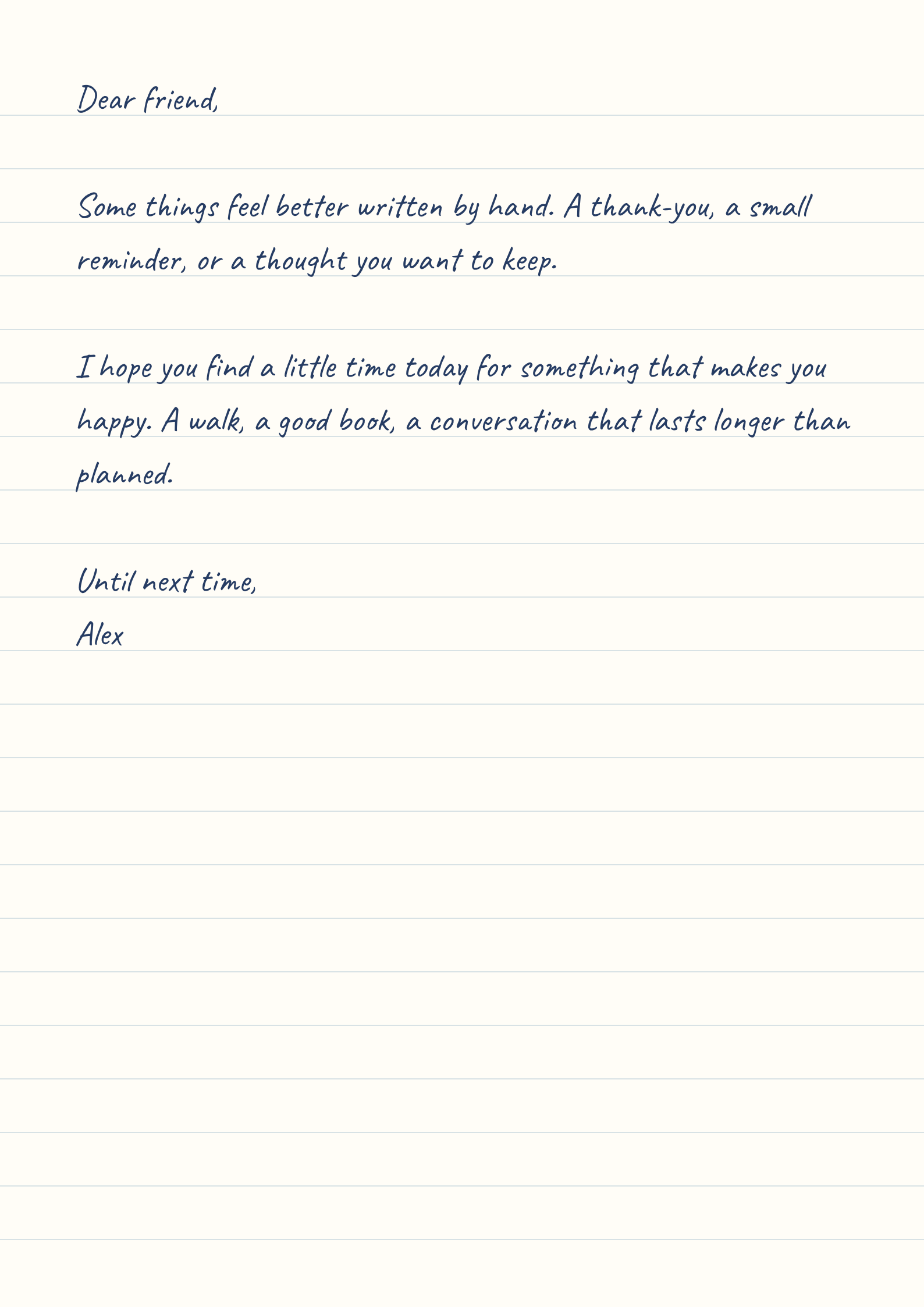
Page 1 of 1

Turn typed text into handwriting

  • Turn a message into a page.

    Create a handwritten letter, a recipe, or study notes from your typed text. Compare six handwriting styles while keeping your paragraph breaks. Longer messages flow onto additional pages automatically, so you can focus on the wording and review each sheet before downloading.

  • Keep the layout in your hands.

    Adjust size, spacing, and margins, then choose your paper pattern and colors. Prepare A4, Letter, A5, A6, or Legal pages and download a complete PDF or a single-page PNG. Preview and export run in your browser, without sending your text to a rendering server.

Text to handwriting examples

Twelve ideas for letters, notes, and keepsakes. Explore handwriting styles, dotted and narrow-ruled paper, and realistic paper effects.
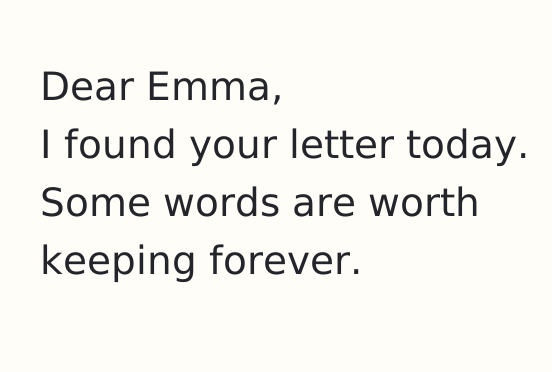
Caveat handwritten travel journal entry on ivory dotted paper

A travel memory

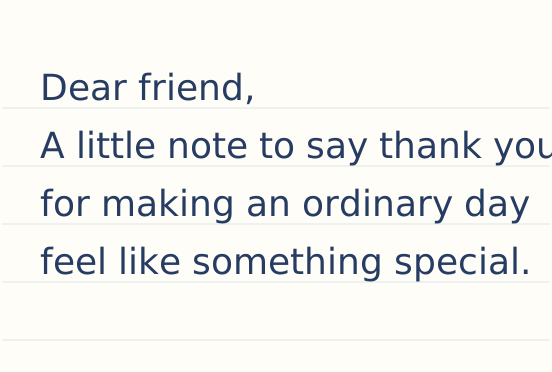
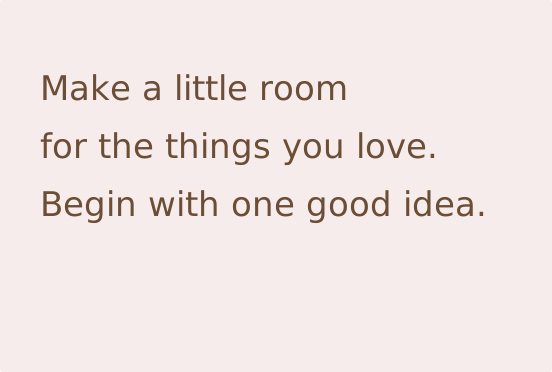
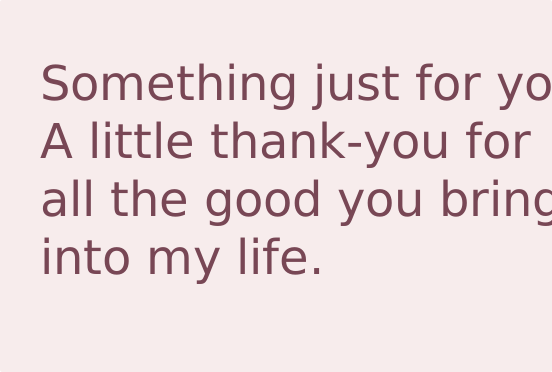
Allison handwritten gift message on pale pink paper

A note with a gift

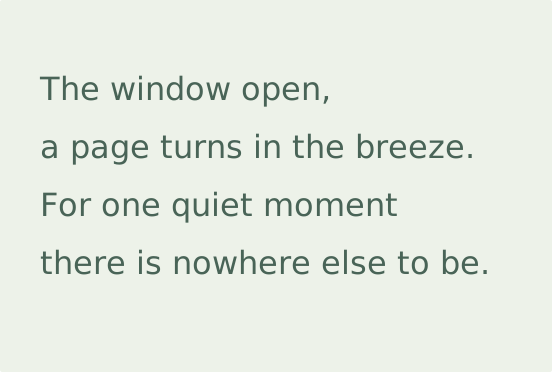
Kaushan Script handwritten poem with deliberate line breaks

A poem to keep

Caveat handwriting on lined paper

Everyday notes

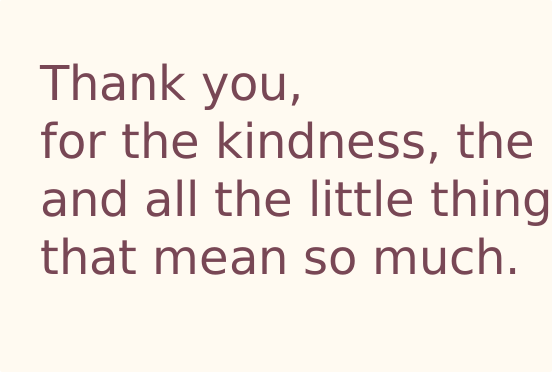
Allison script on warm plain paper

A flowing thank-you

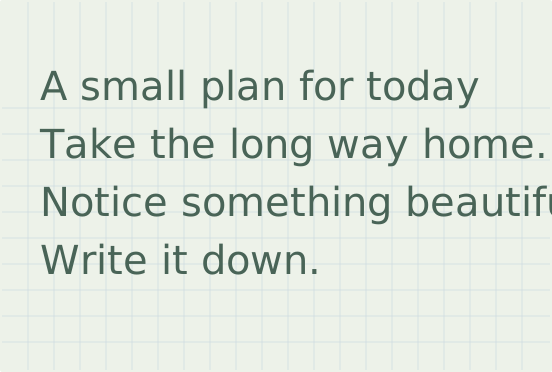
Reenie Beanie handwriting on squared paper

A quick reminder

Autography script for a personal message

A personal letter

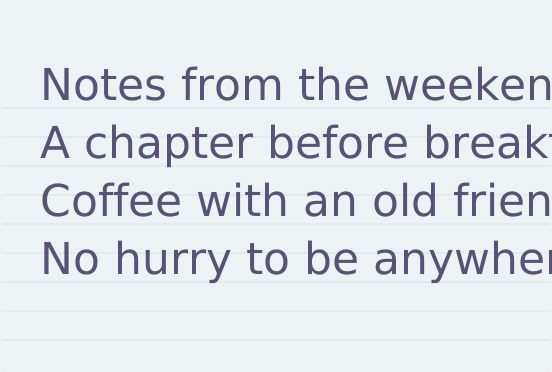
Just Another Hand reading notes on narrow-ruled paper

A compact reading list

Kaushan Script lettering with a bold rhythm

Words to remember

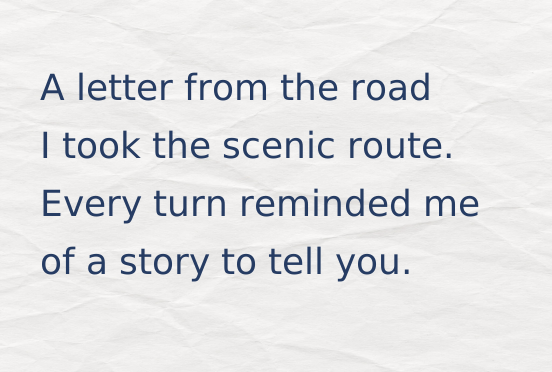
Caveat handwritten travel letter on realistically crumpled paper

A letter from the road

Allison handwritten keepsake note on paper with soft fold marks

A note to keep

Kaushan Script handwritten poem on paper with scorched edges

By the fireside

How to convert text to handwriting

  1. Choose a handwriting style

    Compare the six samples, then type or paste your message. Keep paragraph breaks where you want a new line.

  2. Give the words room

    Adjust Size and Line spacing together. Use Margins to leave enough space around your paragraphs.

  3. Choose your paper

    Pick Plain, Lined, Squared, Dotted, or Narrow paper, then A4, Letter, A5, A6, or Legal. Set the ink and paper colors in Colors, and add a paper effect in Effects.

  4. Review and download

    Check each page. Open Download for a PDF of all pages or the current page, or save the current sheet as a PNG.

Improve your handwritten layout

What you seeWhat to adjustCheck before exporting
Lines feel crowdedIncrease Line spacing or reduce SizeTall loops and descending strokes stay separate
Text runs too close to the edgeIncrease MarginsCheck the last word on each line
One short line spills onto a new pageReview paragraph breaks, Size, and MarginsKeep the paragraph readable rather than forcing it to fit
Lettering looks faintChoose darker Ink or lighter PaperReview at the size people will read
The image looks soft in a layoutIncrease PNG WidthAvoid enlarging a small PNG after export
You need a complete printable documentChoose PDF, All, and the matching paper formatCheck page order and printer scaling
Read the guide to handwritten letters, notes, and printable pages

Ideas for handwritten pages

  • Personal letters

    Give a longer message a consistent handwritten appearance. Use an open style and modest line lengths so the writing remains comfortable to read.

  • Thank-you notes

    Keep a short note on A5 paper. A warm background and restrained blue or charcoal ink let the message do the work.

  • Study notes

    Use lined paper for explanations or squared paper for short lists. This is a text layout tool, not an equation or diagram editor.

  • Recipes to keep

    Separate ingredients from the method with paragraph breaks. Review page endings so a final instruction does not land alone on the next sheet.

  • Wedding messages

    Prepare a welcome note or a personal message for guests. For decorative names and short headings, explore the Wedding Text Generator too.

  • Journaling and keepsakes

    Lay out a memory, reading list, or travel note in a handwriting style you can repeat across pages.

  • Travel journals

    Turn a short account of a walk or a trip into a keepsake. Separate dates, places, and reflections so the page remains easy to revisit.

  • Gift messages

    Prepare a personal note to accompany a present. A brief message on A5 paper leaves room for a handwritten addition after printing.

  • Poetry and readings

    Keep intentional line breaks in poems and short readings. Review the longest line so automatic wrapping does not change the rhythm.

Handwriting converter features

  • Six handwriting styles

    Everyday, Flowing, Quick note, Personal, Narrow, and Bold offer different proportions and rhythms.

  • Size and line spacing

    Control the scale of the letters and the distance between baselines with sliders or numeric inputs.

  • Paper patterns and effects

    Use a clean page, writing lines, a square grid, dots, or narrow ruling. Add a crumpled, aged, scorched, stained, or folded finish. Rules follow your spacing setting.

  • Five page formats

    Choose A4, Letter, A5, A6, or Legal before exporting. PDFs preserve the physical size of the selected format.

  • Ink and paper colors

    Start with a palette or use the custom color picker for either the lettering or the background.

  • Adjustable margins

    Change the writing area without resizing the text. The generator recalculates line breaks and pages.

  • Automatic pagination

    Longer text flows into additional pages. Review them with the navigation below the sheet.

  • Two-page fullscreen view

    When space permits, fullscreen shows two pages side by side. Narrow screens keep a single-page view.

  • Mobile settings panel

    Open Settings by tapping or swiping its handle, then close it to review the page.

  • PDF at your resolution

    Download all pages or the current page at 150, 300, or 600 dpi. Each page is an image of the handwriting with your text underneath, so you can select, copy, and search it.

  • PNG with a chosen width

    Save the current page at 400–4000 px wide. High, Mid, and Low are shortcuts for output resolution.

  • Browser-based export

    Create files locally without uploading the text. Download your work before leaving: the editor does not save it between visits.

  • Keep paragraph breaks

    New lines in your text stay in the layout. Add blank lines to separate greetings, lists, and closings.

  • Live page count

    See how changes to size, spacing, and margins affect the number of sheets before downloading.

  • Custom export width

    Type the width you need for a PNG. The height follows the paper proportions without stretching the letters.

  • All pages or one

    Save a complete PDF in one download, or export the current page for a focused excerpt.

  • A repeatable color palette

    Use matching ink and paper across a set of notes, or choose custom colors for a particular occasion.

Text to handwriting FAQ

  • Is this my own handwriting?

    No. The generator uses six handwriting fonts. It does not learn your handwriting, reproduce pen pressure, or randomize repeated letters.

  • Can I download several pages as one PDF?

    Yes. Open Download, choose PDF and All, then download. Current exports the first page shown in the preview.

  • What does PNG quality change?

    High, Mid, and Low choose widths of 2400, 1600, and 800 pixels. You can also set a custom width. PNG uses lossless compression; the presets change resolution, not JPEG-style compression quality.

  • Which PDF DPI should I choose?

    Start with 300 dpi for printing. Use 150 for a smaller file to view on a screen, or 600 for more raster detail when the destination needs it. Check the result at its intended size.

  • Can I select the text inside the downloaded PDF?

    Yes. The handwriting is an image, and your typed text lies invisibly under it, so you can select, copy, and search it in a PDF viewer. Copied text breaks where the handwriting wraps.

  • What is Letter paper?

    Letter is an 8.5 × 11 inch page format commonly used in North America. Choose the format that matches your printer or destination document.

  • Does the tool support every language?

    Character support depends on the chosen font. Check accents and non-Latin characters in the preview; unsupported characters may appear in a fallback font.

  • Can I use my actual handwritten signature?

    Use the Signature Generator to draw your signature separately. This tool formats typed text and does not capture handwritten strokes.